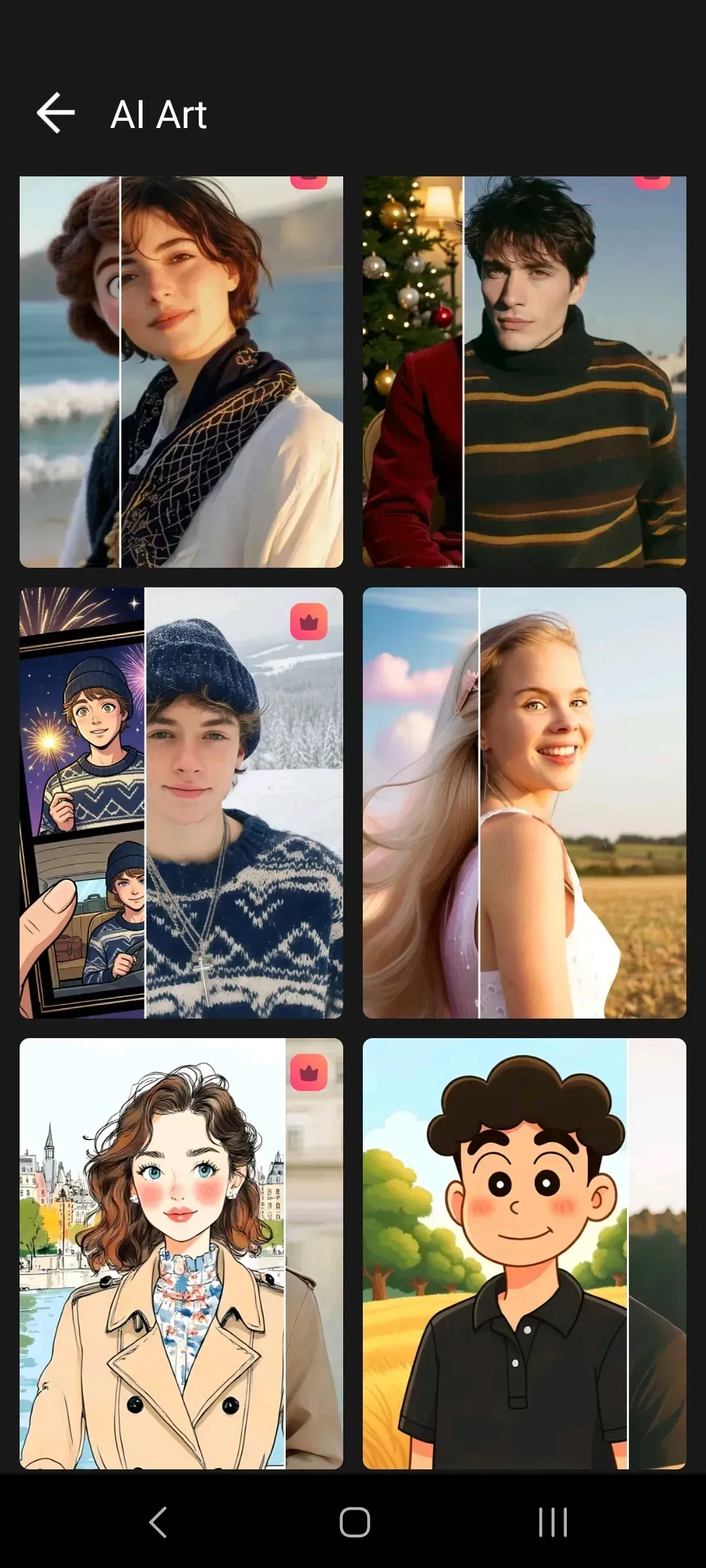
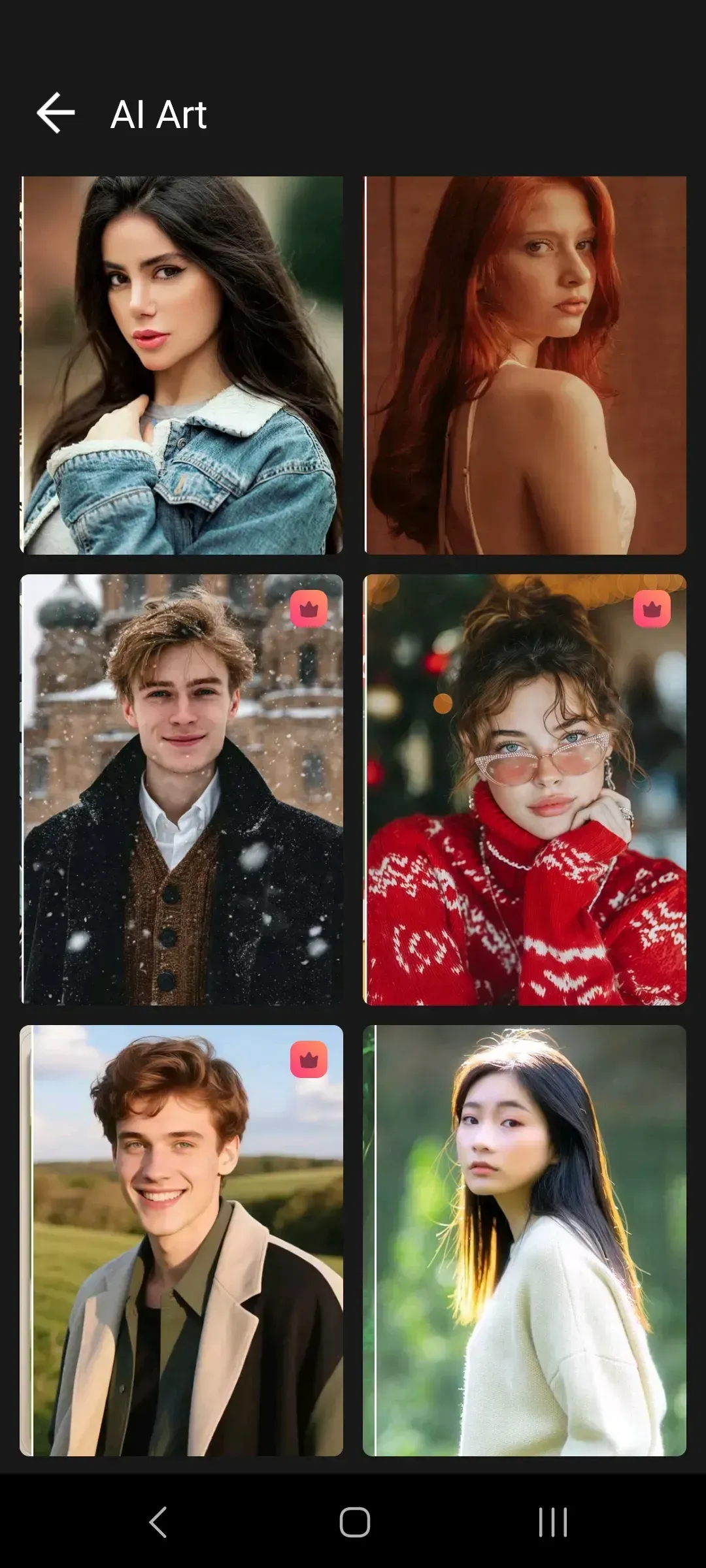
Vidnote — video editor
for vibrant clips

Create polished videos from clips and photos right on your Android device: add audio tracks, text captions, filters, stickers, transitions, and visual effects, adjust frame ratios, and export the finished result in high quality for personal use or publishing on your own pages.


Video and photo editing

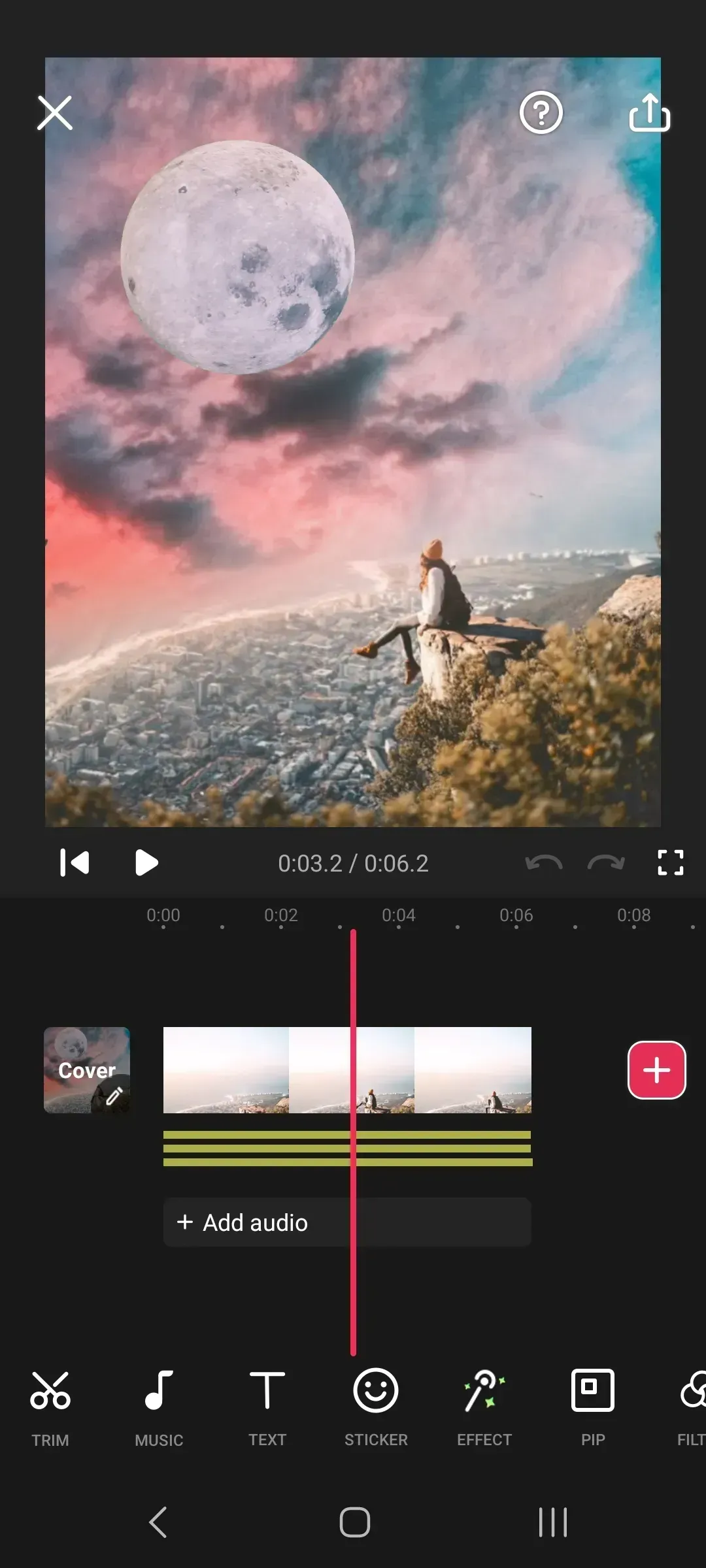
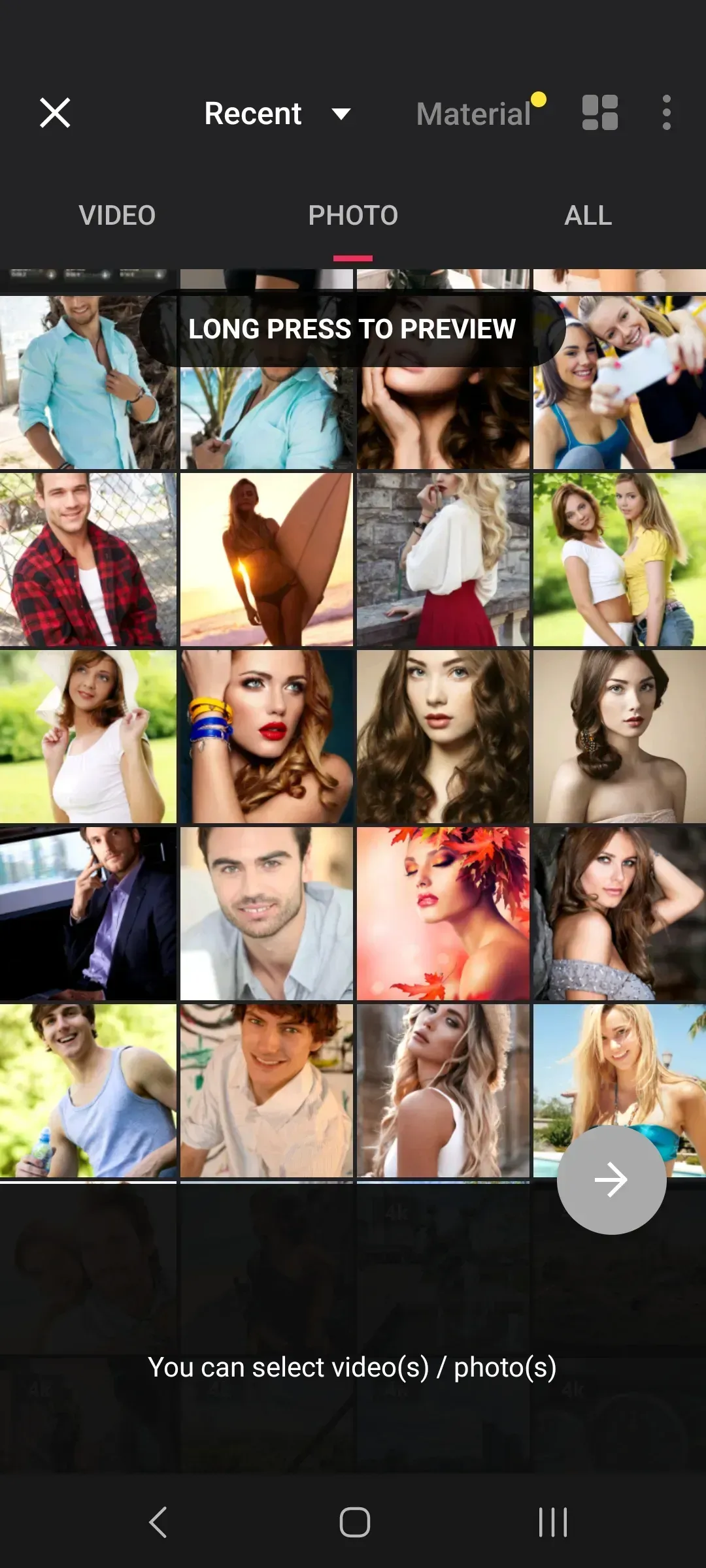
Trim fragments, combine several clips into one project, remove unnecessary parts, adjust speed, rotation, frame ratio, and the order of materials. Vidnote helps you assemble a finished video from clips and photos without a complex desktop program.

Download

Audio, text, and stickers

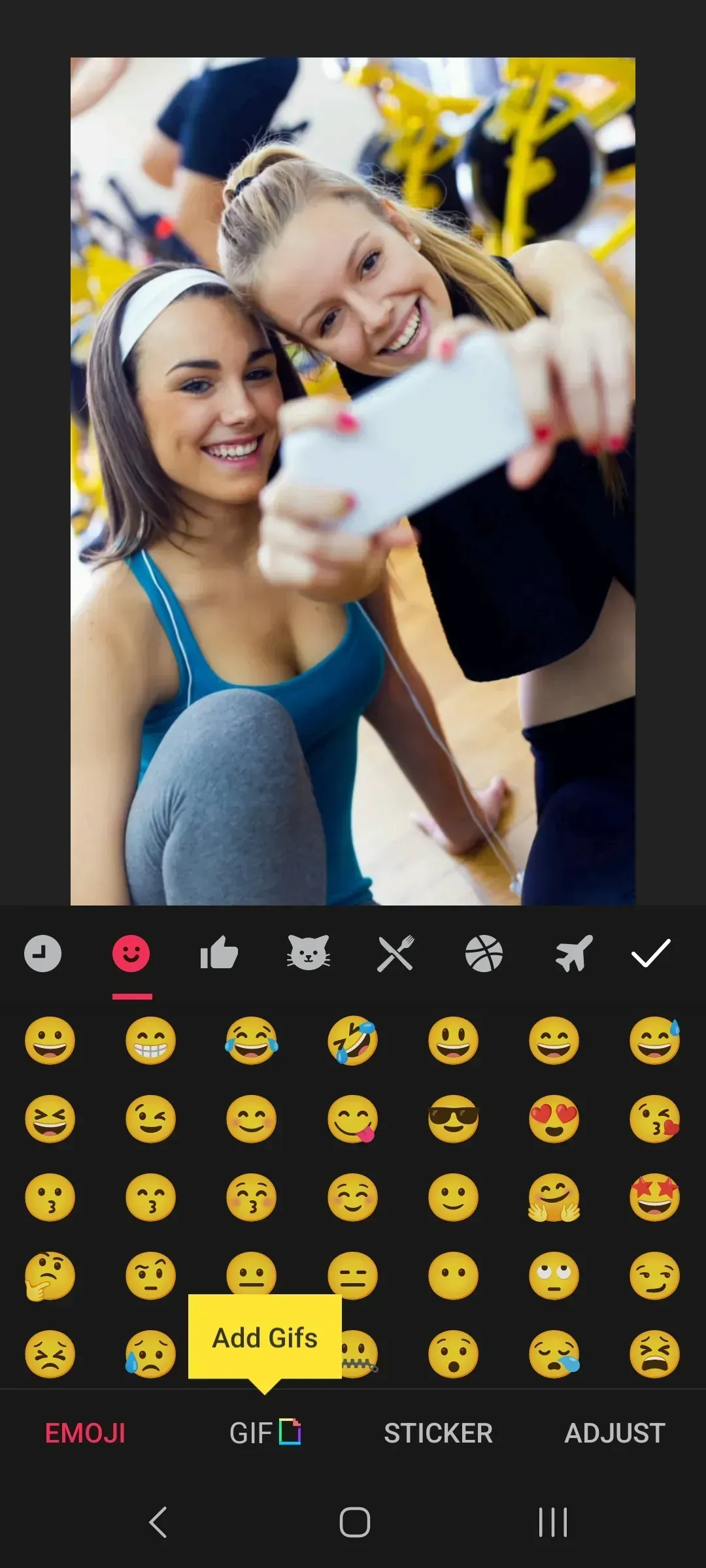
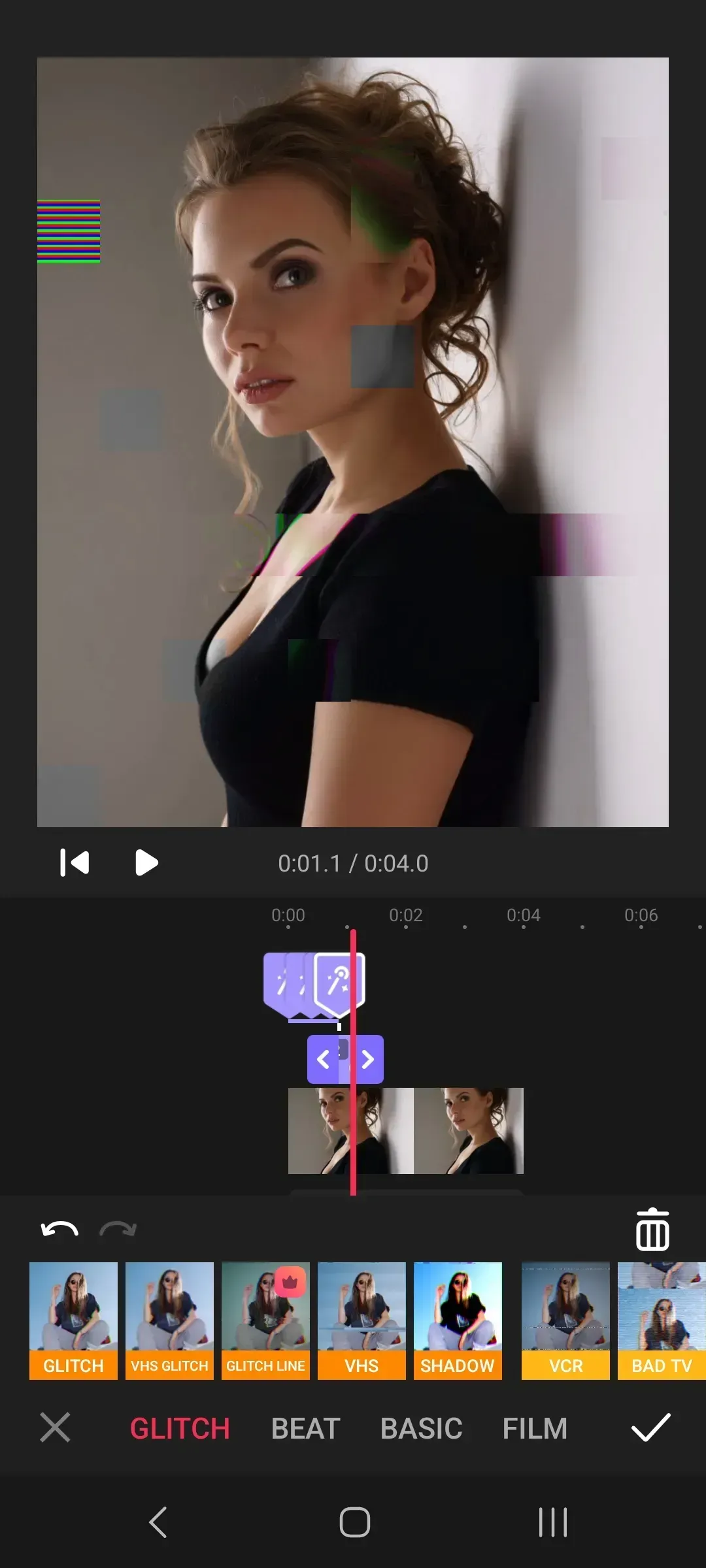
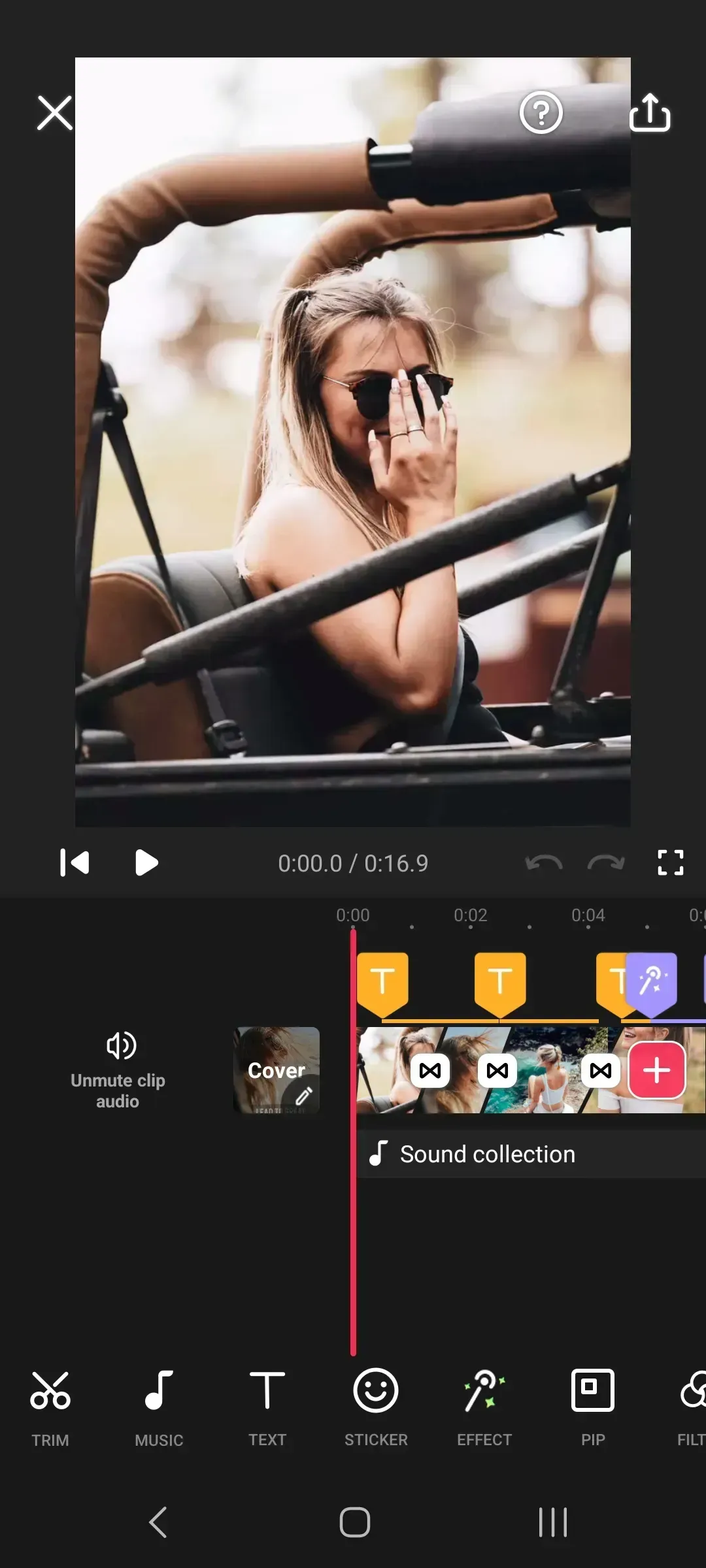
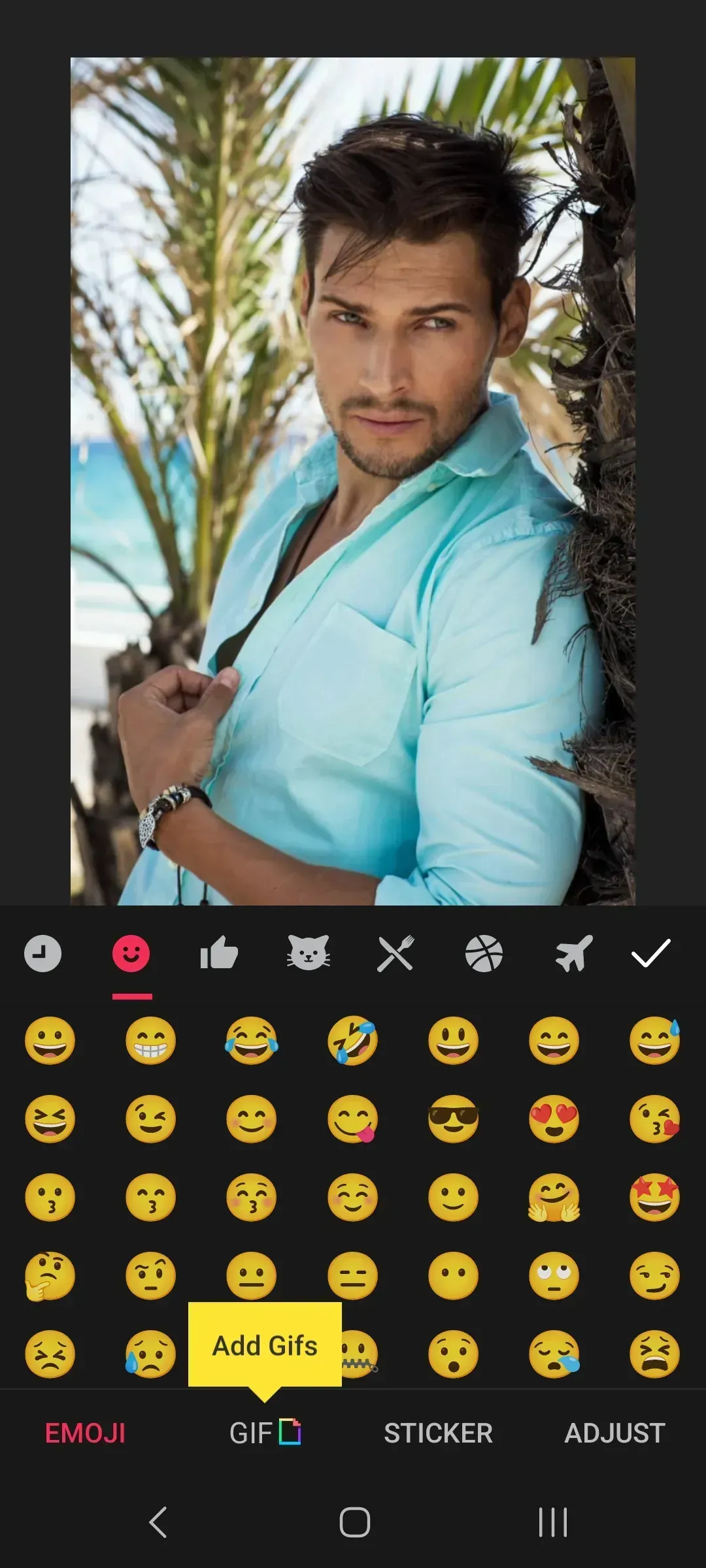
Add permitted audio tracks, voice fragments, captions, emoji, stickers, and other visual elements. A convenient timeline helps synchronize sound, text, and graphics with the right moments in the video.

Download

Export and publishing

Adjust resolution, compress files, convert videos to MP4, and save finished clips in suitable quality. Materials can be used for personal projects, work tasks, or publishing on your own pages.
Download

100M+

downloads

4K

export up to 4K

8

Android 8.0+

1.612

app version

Vidnote Features

Trimming and merging

Split videos into fragments, remove unnecessary parts, combine clips, and precisely fit the edit to the desired duration.

Audio and sound

Add your own audio files, adjust the volume of the original sound and added audio, and synchronize tracks on the timeline.

Filters and effects

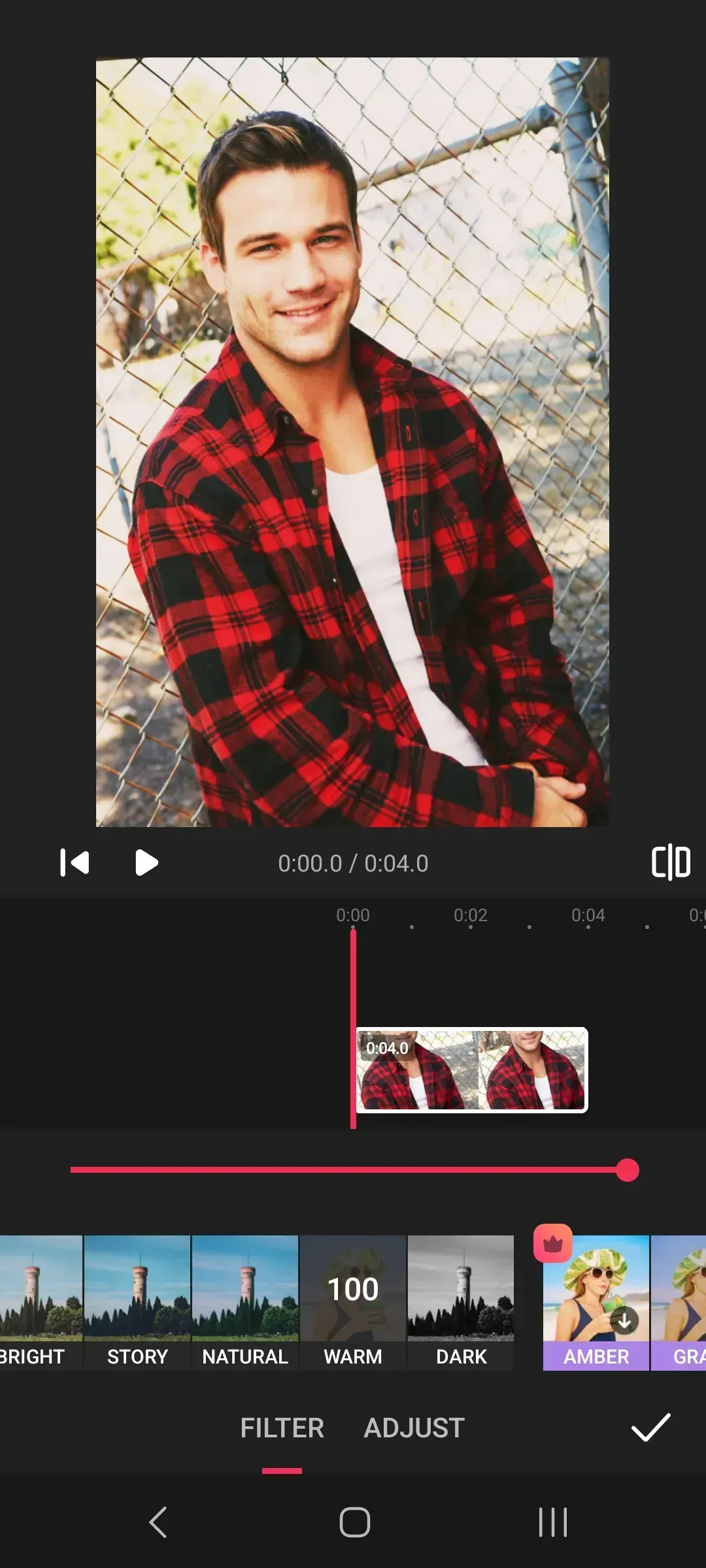
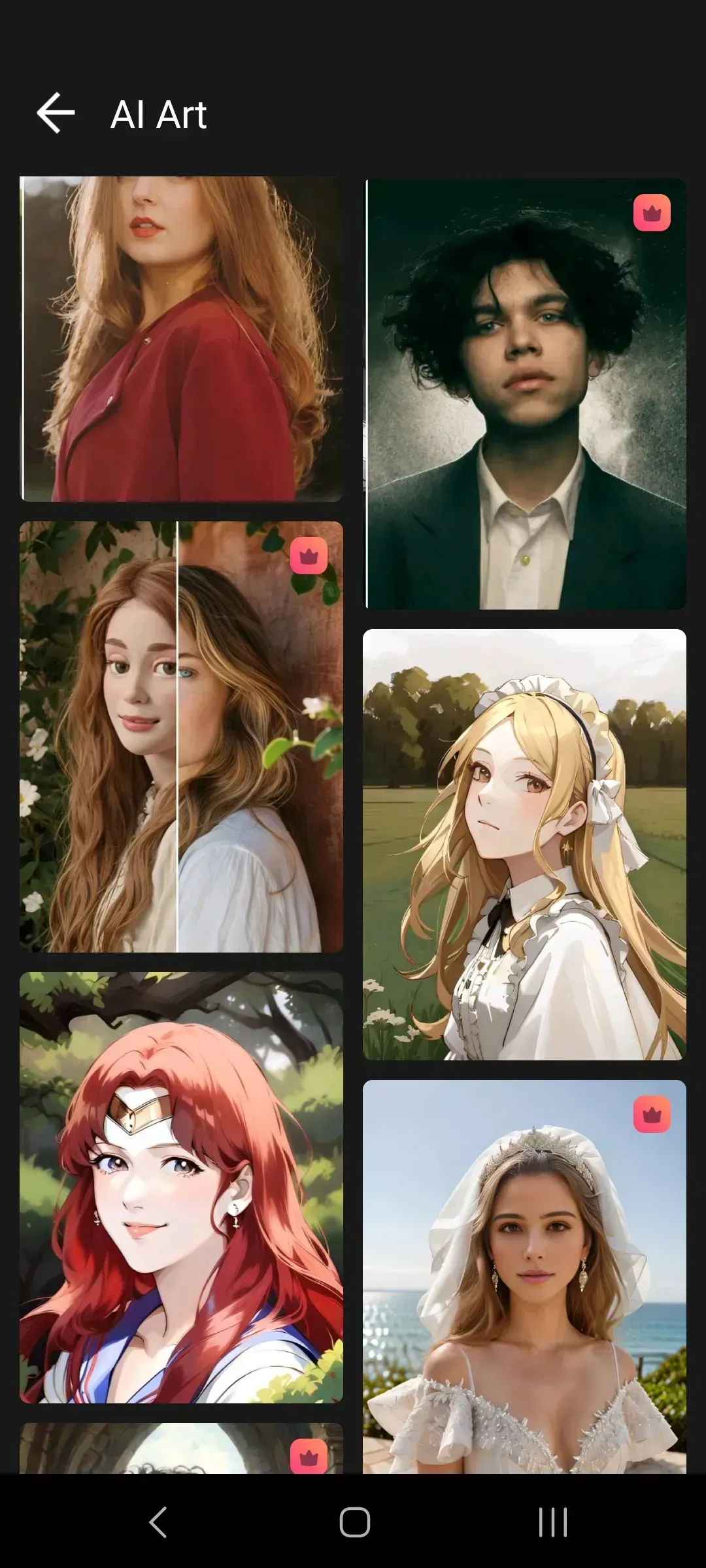
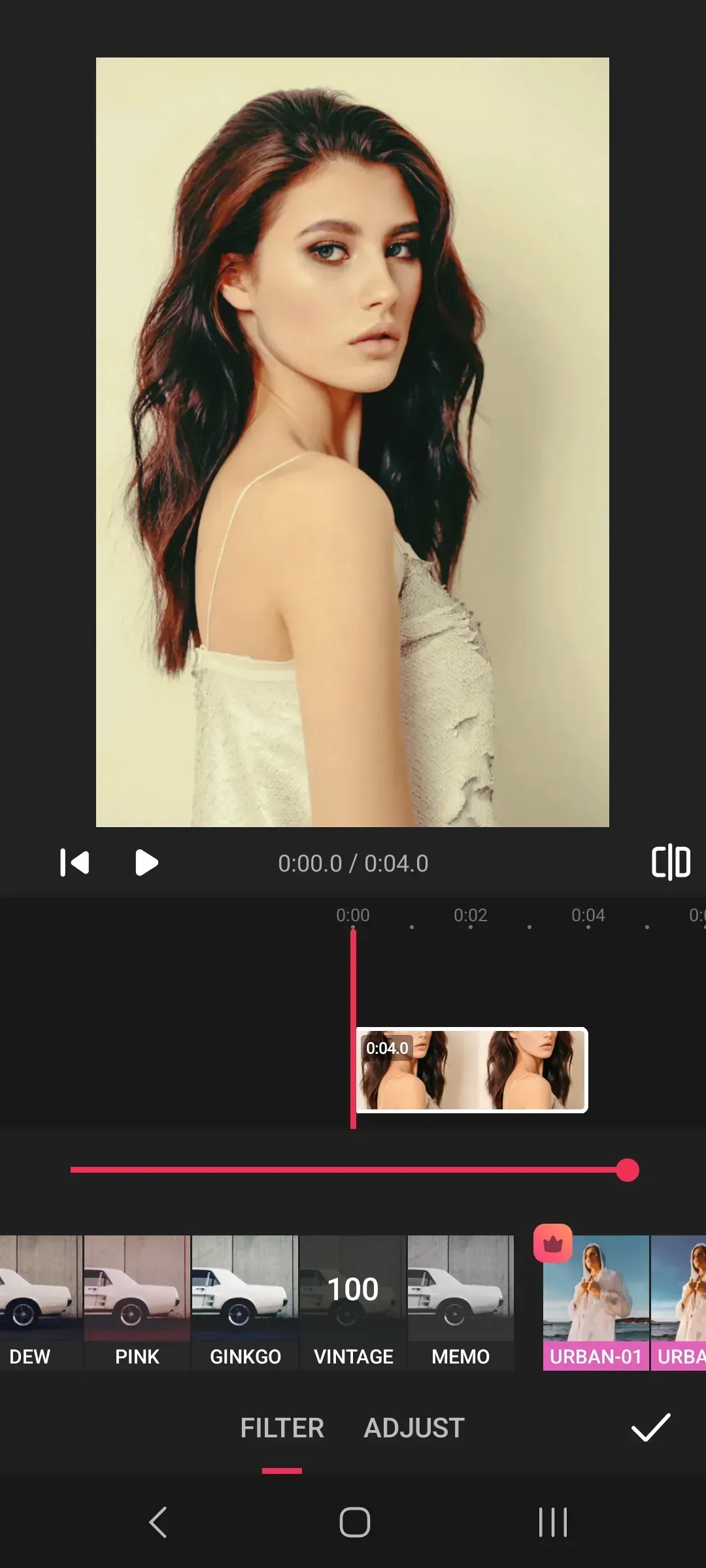
Use visual filters, transitions, background blur, and brightness, contrast, saturation, and other image adjustments.

Text and emoji

Place captions, stickers, and emoji on videos and photos, choose text styles, and control when elements appear.


Convenient editing
in one mobile editor

Vidnote brings together the core tools for video and photo editing: from simple cropping, merging, and speed changes to adding audio tracks, effects, text, stickers, collages, and high-resolution export. The app helps you quickly prepare a polished clip on a mobile device without complex professional software.

Vidnote

Editing tools

Video

Trimming, merging, rotation, speed, and frame ratio

Photo

Filters, frames, background, mirror flip, and aspect ratios

Audio

Tracks, volume, voiceover, and synchronization

Collages

Grids, layouts, clean composition, and frame design

Vidnote Screenshots

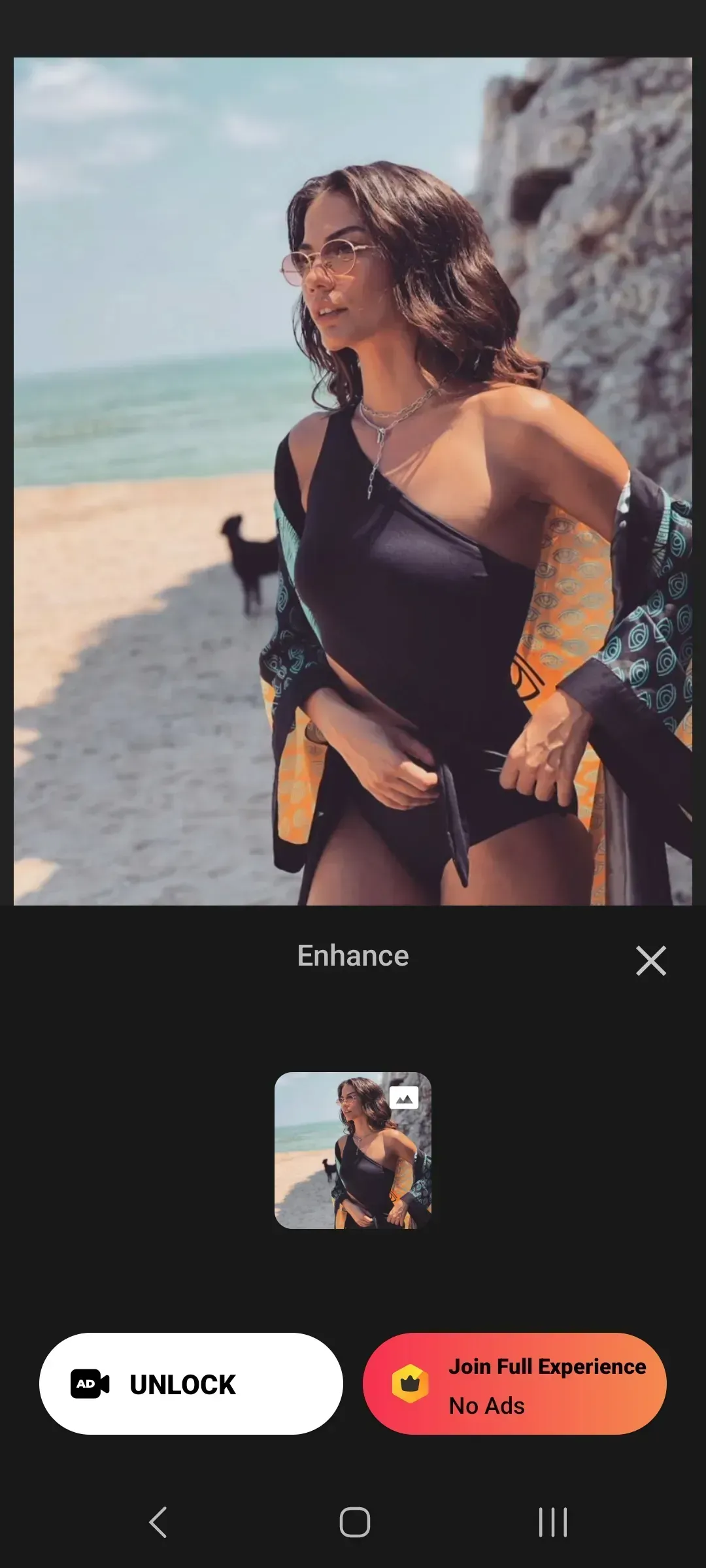
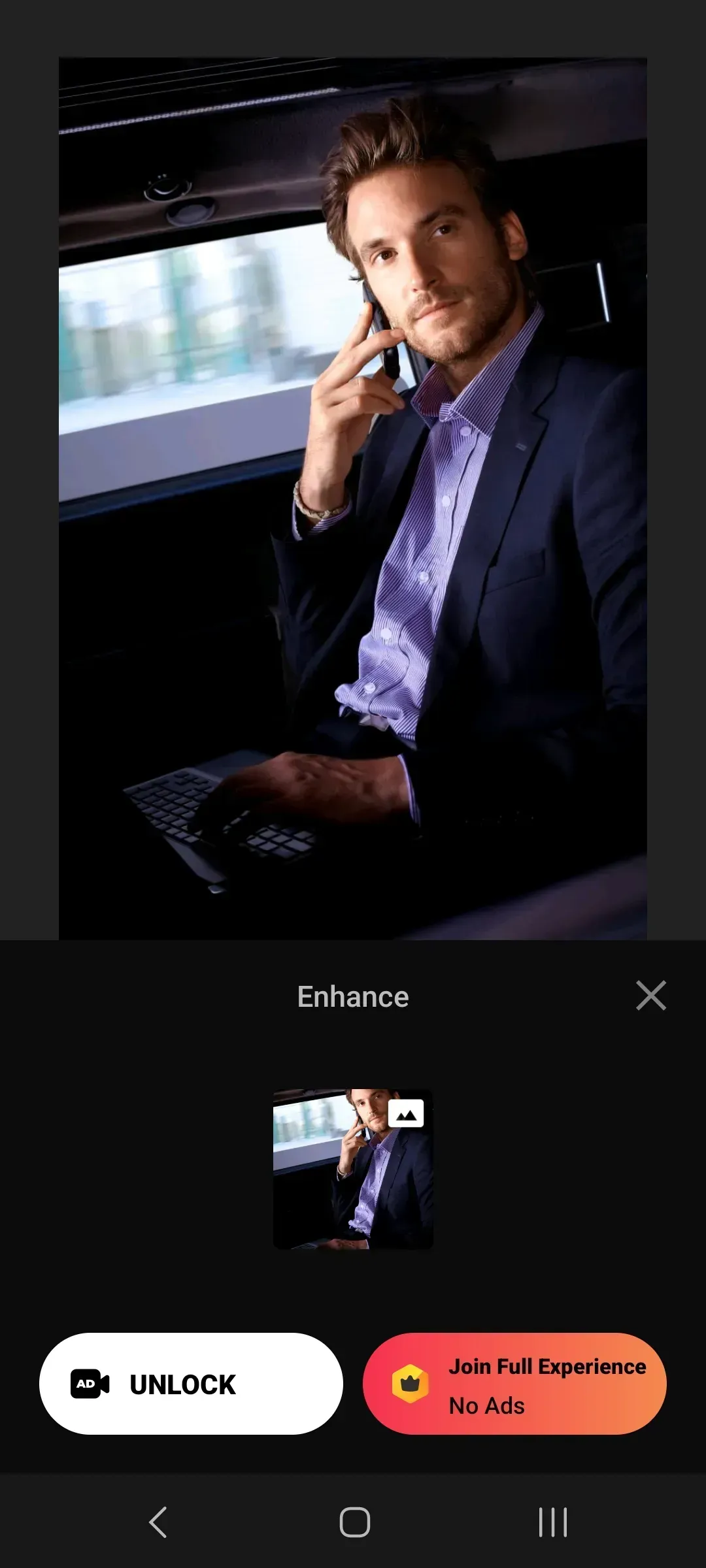
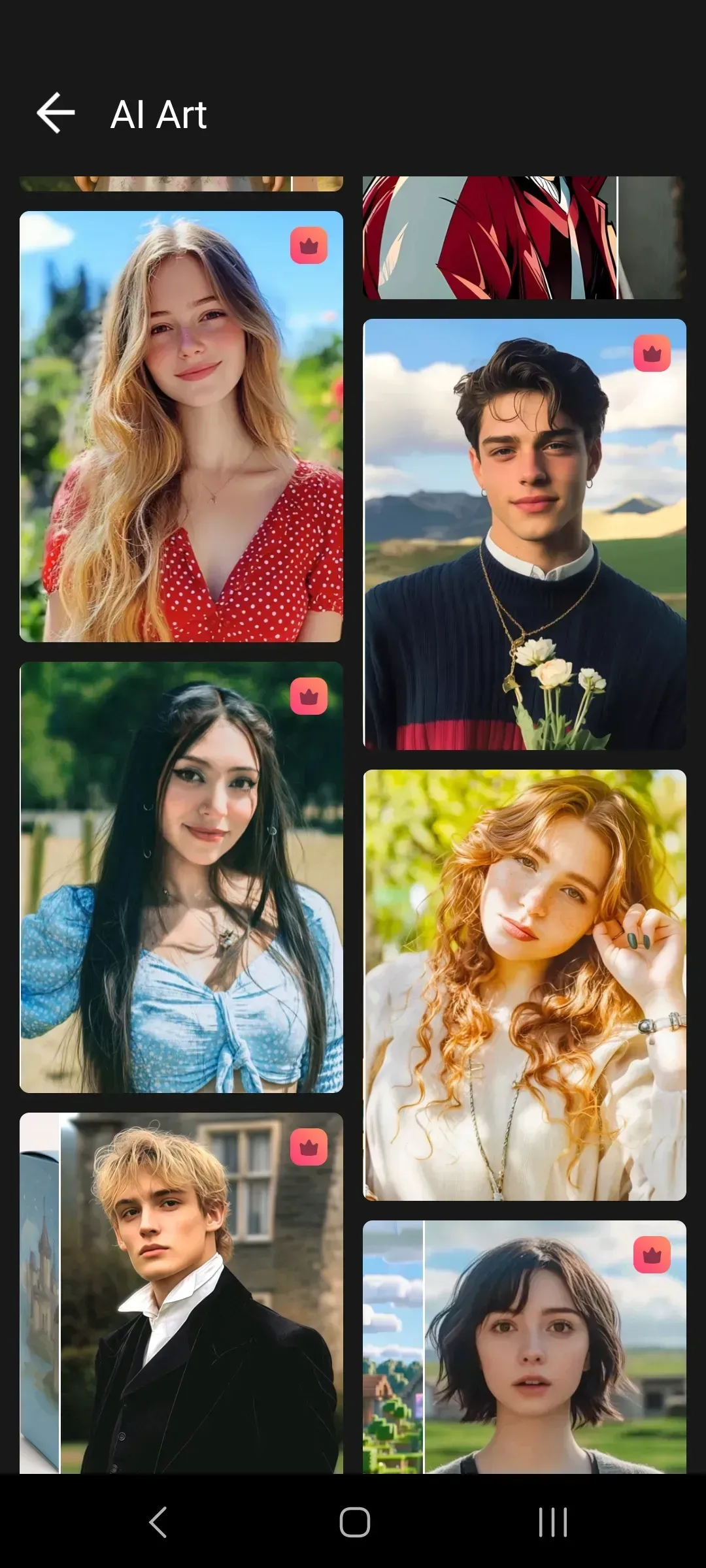
Vidnote app screen
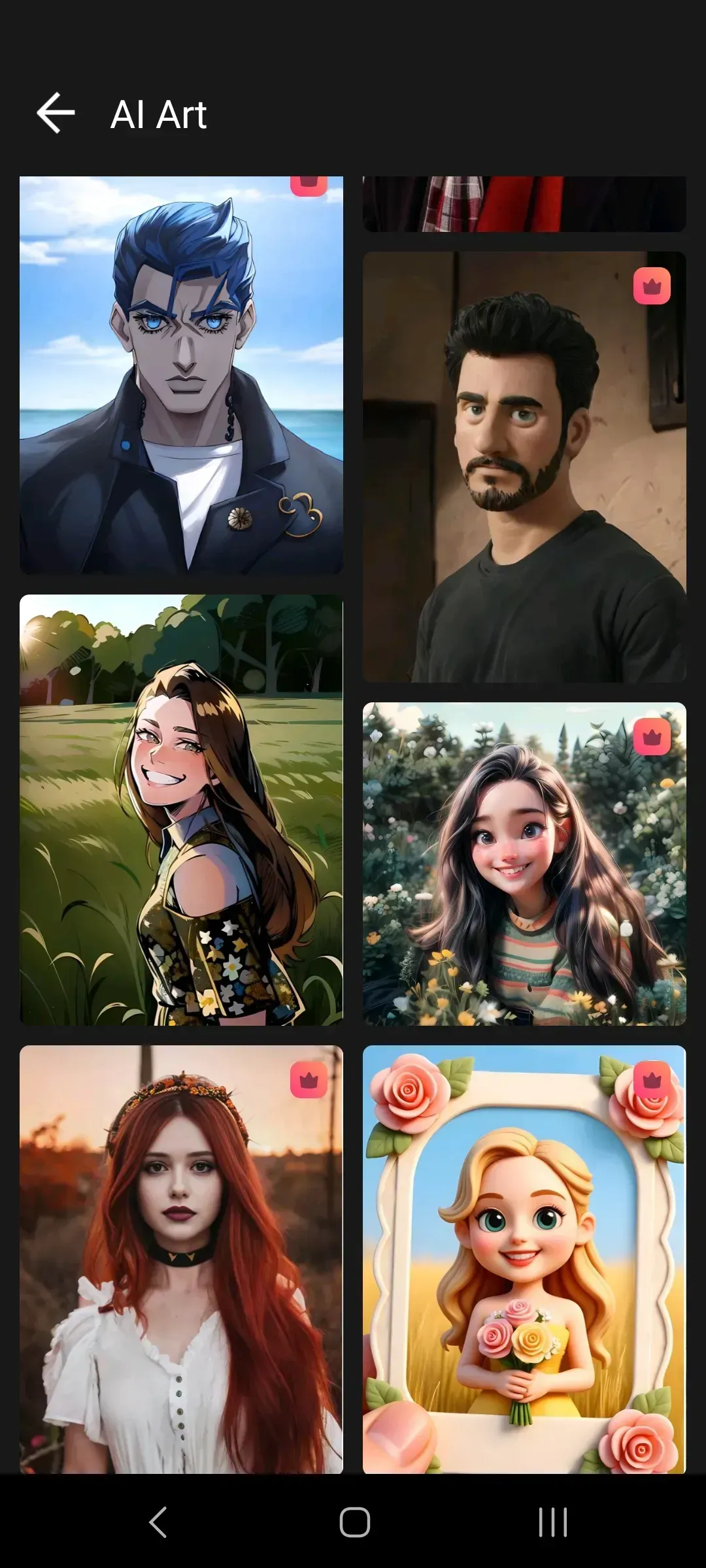
Vidnote app screen
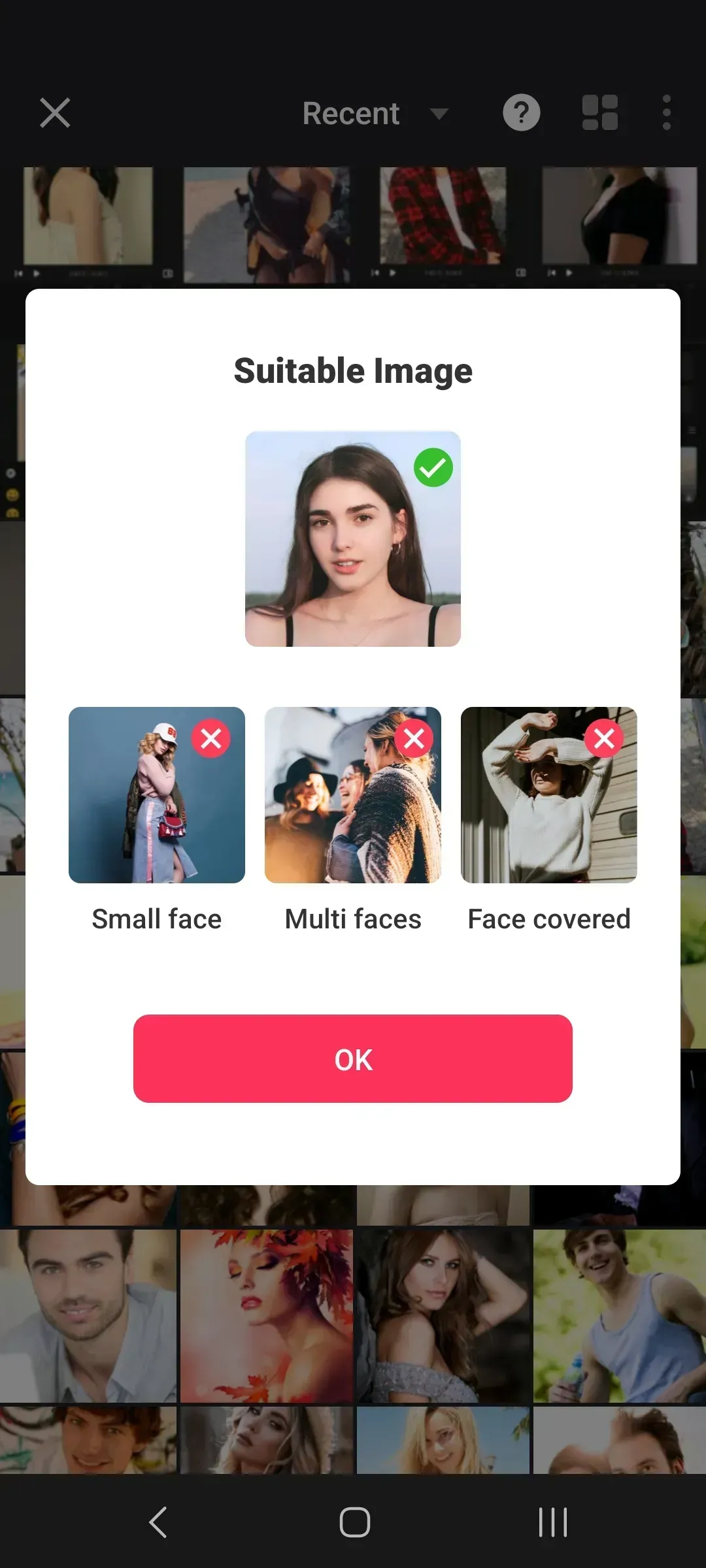
Vidnote app screen
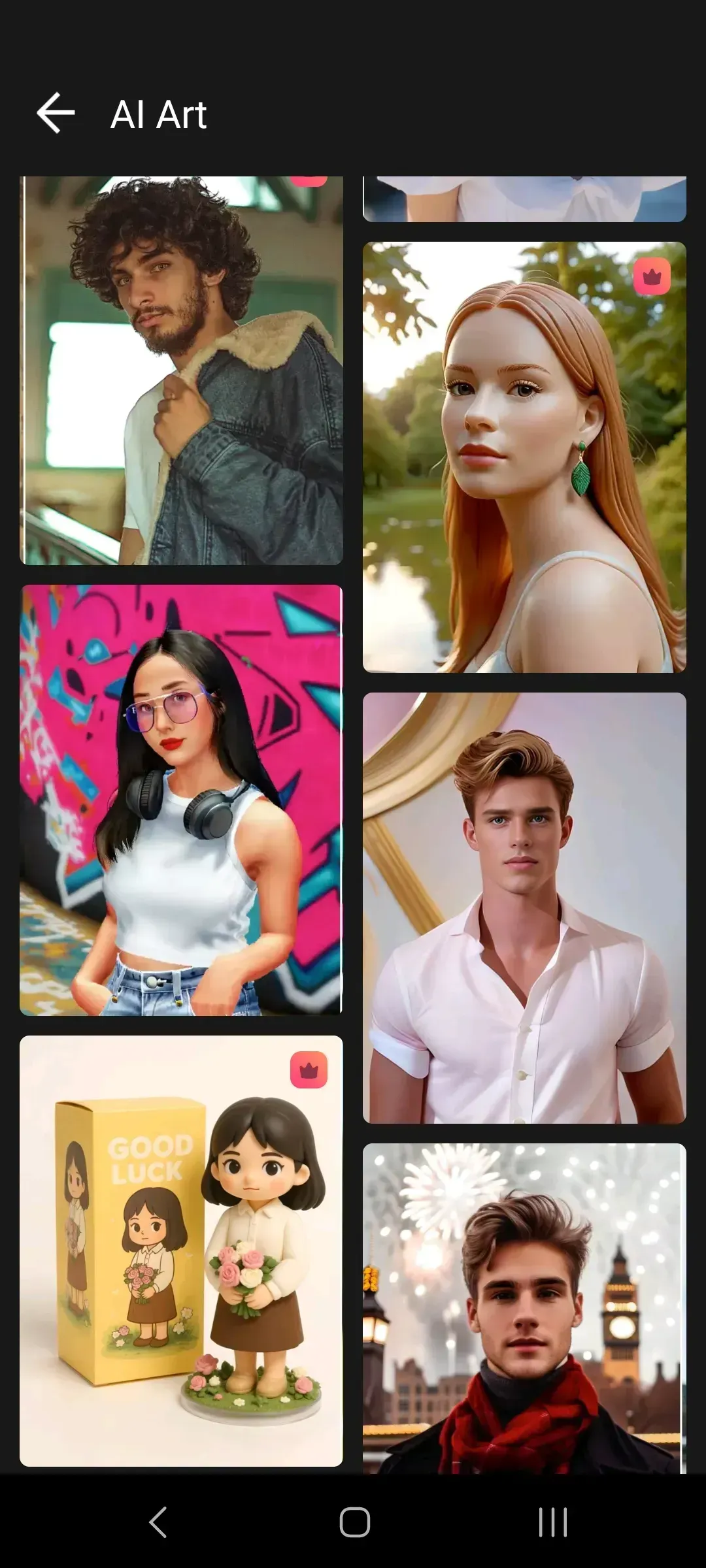
Vidnote app screen
Vidnote app screen
Vidnote app screen
Vidnote app screen
Vidnote app screen
Vidnote app screen
Vidnote app screen
Vidnote app screen
Vidnote app screen
Vidnote app screen
Vidnote app screen
Vidnote app screen
Vidnote app screen
Vidnote app screen
Vidnote app screen
Vidnote app screen

User Reviews

Maria Lee

Art Dirrector

It is convenient to assemble a clip from several fragments, add audio, and include captions. The interface is clear, and the basic actions are easy to access.

Alex Wong

Web Developer

I like that I can quickly trim a video, change the aspect ratio, and prepare a clip for my own pages without a complex desktop editor.

Irina Chan

Web Designer

Filters, stickers, and text help make ordinary footage feel more lively. Vidnote is more than enough for short clips on a phone.

Dmitry Kim

CEO

I often compress videos and save MP4 files. The app saves time, especially when I need to prepare a file quickly before sending it.


Frequently Asked Questions

Vidnote is a mobile video editor for Android that helps create clips from videos and photos. In the app, you can trim fragments, add audio tracks, captions, stickers, emoji, filters, and collages. Vidnote is suitable for personal projects, work materials, short clips, and visual content
In Vidnote, you can edit your own videos, photos, images, voice recordings, audio files, and other materials for which you have the necessary rights or permission. The app is designed for processing personal and authorized content: family videos, work materials, tutorial clips, reviews, short clips, and visual projects for your own pages.
Yes, Vidnote supports output resolution settings, including 1080p and 4K on compatible devices and with suitable source files. The user can choose export quality, prepare a clip in MP4 format, reduce the file size when needed, and save the result on the device. Final quality depends on the source video settings, device capabilities, and selected export settings.
Yes, Vidnote lets you add permitted audio tracks, voice fragments, and sound accompaniment to the video. On the timeline, you can synchronize sound with the right moments in the clip, adjust the volume of the original video and added track, and carefully arrange audio for the edit. Use only audio materials that belong to you or are available for such use.
Yes, Vidnote includes tools for editing photos and images. You can apply filters, change the background, add frames, rotate shots, use mirror reflection, adjust proportions, and prepare materials for different formats. A collage mode with layouts and grids is also available, helping combine several images into one neat visual project.
Paid features and subscriptions are processed through Google Play. After purchase confirmation, subscription management, payment methods, renewal, and cancellation are handled in the Google Play account settings. Availability of individual features, pricing, and payment terms may depend on the region, device, and current app store settings.
Vidnote requires Android 8.0 or higher for installation and stable operation. For comfortable editing, it is recommended to use a device with enough free memory, a modern processor, and reliable storage, especially when working with long clips, multiple tracks, and export in 1080p or 4K.
Yes, finished videos can be saved on the device and used on personal pages, in work projects, or in other permitted scenarios. Before publishing, it is important to make sure that all videos, images, audio tracks, fonts, stickers, and other project elements do not infringe third-party rights and also comply with the rules of the platform where you plan to post the clip.